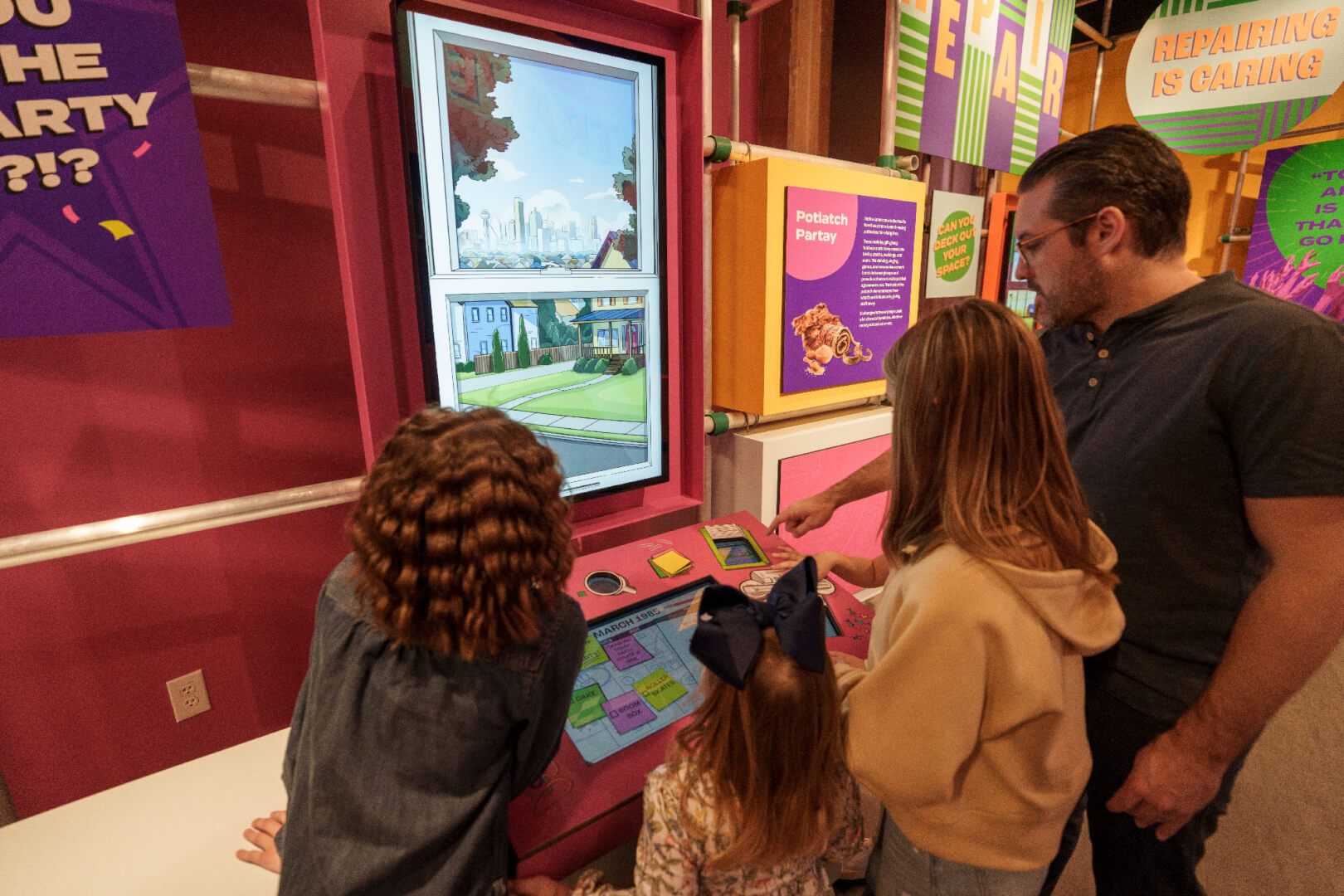
A proactive scheduling concept for Google Assistant’s everyday value.
A proactive scheduling concept that helps Google Assistant surface routine-based calendar support before users have to ask.
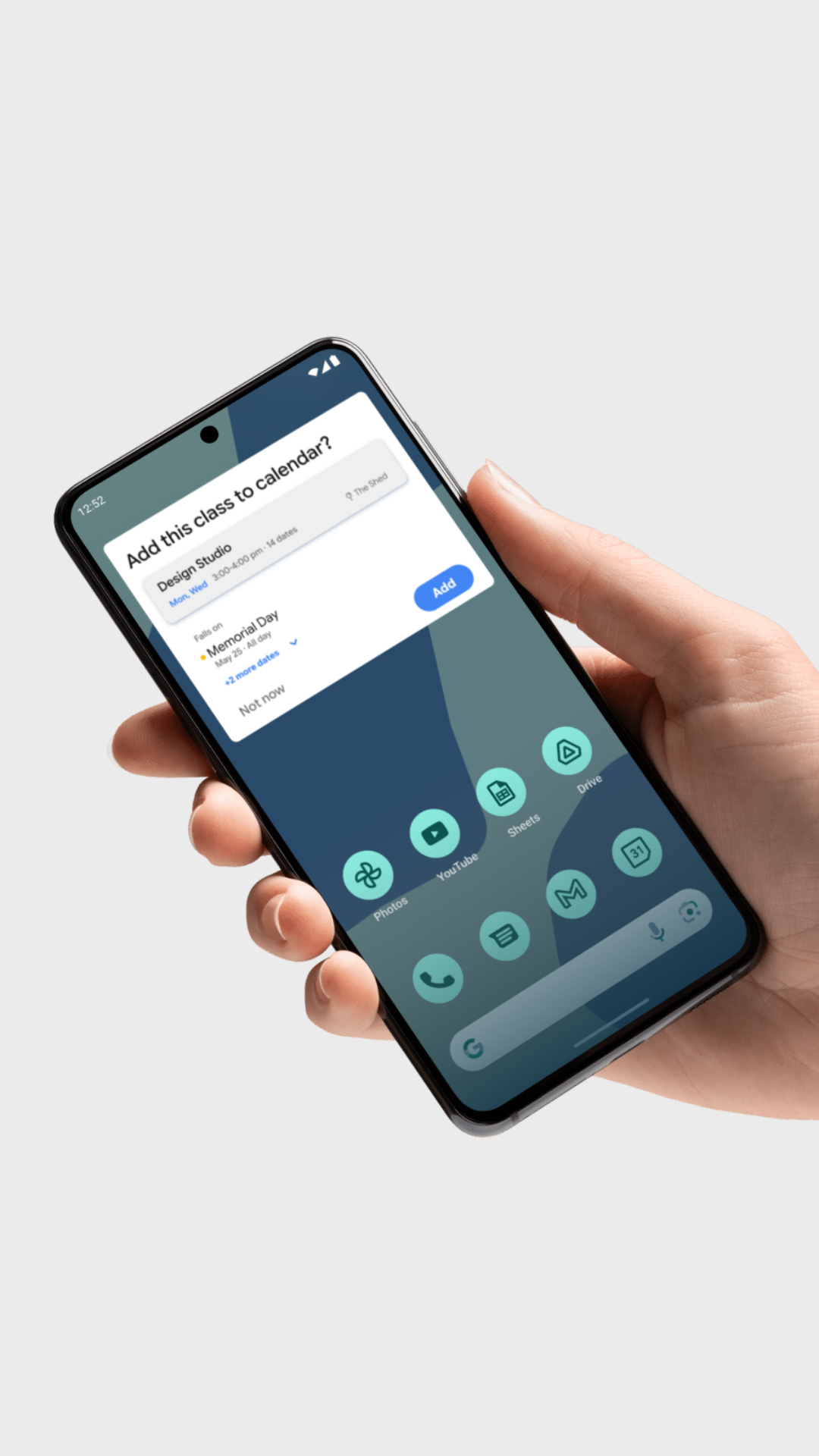
This case study extends a SCADpro × Google Assistant research project into an independent motion-focused redesign. I explored how Google Assistant could detect a recurring class pattern, explain holiday conflicts before commitment, and help users hold a tentative make-up slot without taking control away from them.
“It would be helpful if GA could walk you through the things it could do without me asking.”
“I feel dumb each time I fail to do a task with GA.
I don’t want to learn like this.”
“I don’t want to spend a long time researching its features, after failing to use it correctly.”
This wasn't an isolated comment. Across 24 one-on-one interviews and a survey of 74 participants, we heard the same frustration in different forms.
Make Google Assistant’s value visible inside moments that matter
Users were not asking for more features. They were asking for GA to surface useful help in context, before they had to search, ask, or learn by trial and error.
For habit formation, this changed the problem: instead of asking users to learn Assistant upfront, the experience needed to help them discover value through repeated, contextual actions.
Proactive Scheduling
I translated this insight into Proactive Scheduling: a routine-based flow where GA detects a recurring class pattern, explains calendar conflicts before commitment, and helps the user hold a tentative make-up slot.
How might we introduce users to Google Assistant early through personally relevant experiences?
How might we help users build habits with Google Assistant to increase engagement?
From Research to Design Response
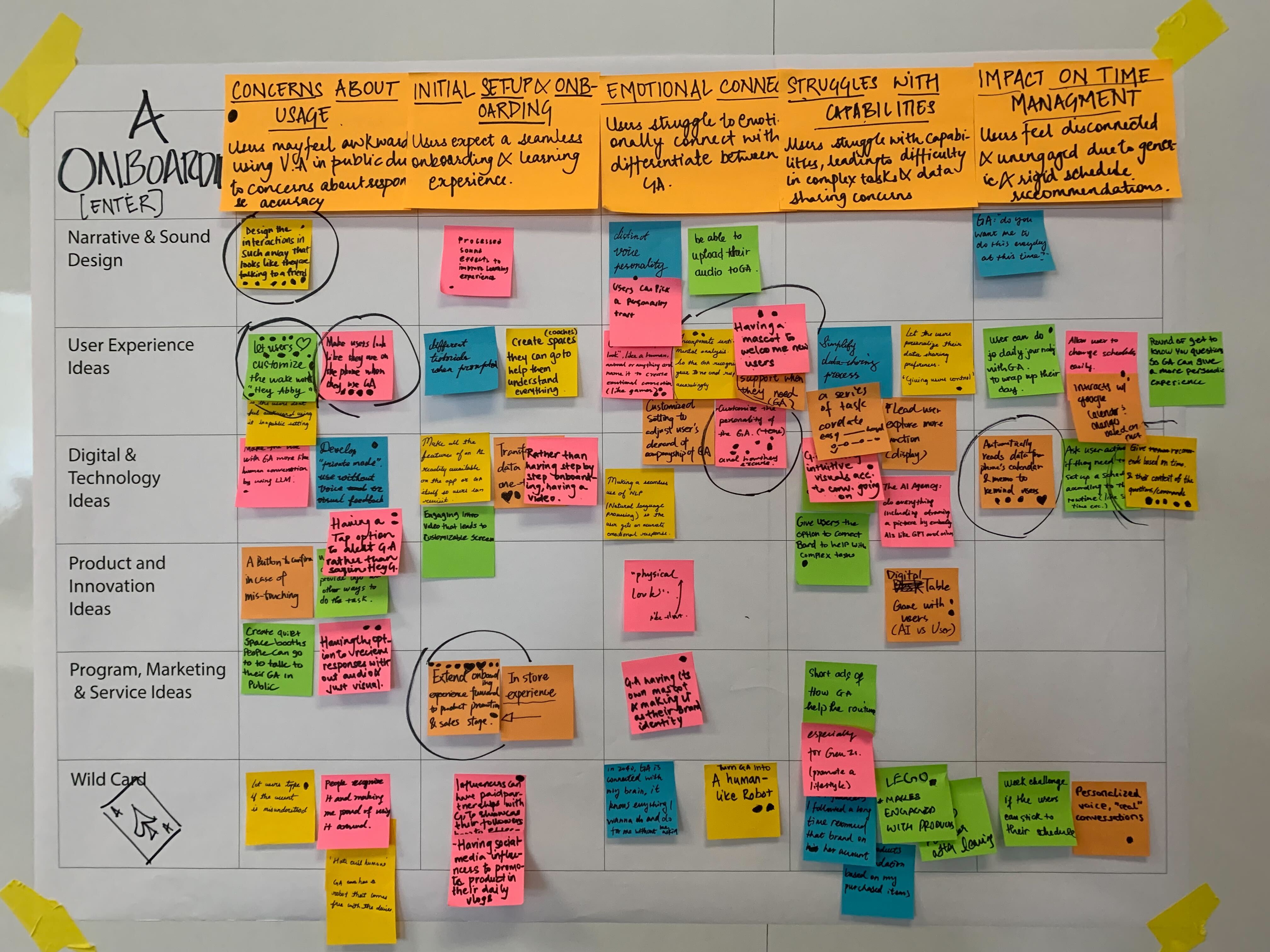
The original Google Assistant brief gave our team two design challenges. To understand how Gen Z and young adults adopt Google Assistant in daily life, our team conducted secondary research, a survey with 74 participants, and 24 one-on-one interviews.
We synthesized the data through affinity diagrams and journey maps, then used a creative matrix to translate research signals into concept directions.
“I still don’t know all the features after using it for 2 years.”
How might GA surface value before users have to discover features on their own?
Users can’t find what GA can do, even after years of use. Users wanted GA to tell them what it could do and offer features that fit their needs.
Surface useful Gactions inside instead of relying on upfront feature education.
“I don’t want to spend a long time researching its features, after failing to use it correctly.”
How might users learn what GA can do without tutorials, commands, or failed attempts?
Users avoided deeper GA use because researching features, remembering commands, and learning through failed attempts felt time-consuming and frustrating.
Use small, low-risk contextual actions that let users experience value before they have to learn the full feature set.
“I don’t dive deeper into the functions because learning is too time-consuming.”
How might GA be proactive without taking control away from the user?
Users wanted GA to be helpful before they asked, but calendar changes still required clear context and permission. Proactive assistance needed to feel useful without implying that GA had already acted on the user’s behalf.
Make GA proactive but permission based. Surface the opportunity, explain the context, and ask before committing anything on the user’s behalf.
Why proactive scheduling?
While the original brief included onboarding and habit forming, I treated it as in-context activation: helping users experience GA’s value inside a routine they already had.
Scheduling was a strong test case because it is repeated, personally relevant, and permission-sensitive. It connects habit formation with user trust: GA can create value by noticing routine gaps, but calendar changes still require context and confirmation.
Designing the Proactive Flow
GA needed to surface useful help before users asked, without taking control away from them. I translated this tension into four design decisions.
01 Surface without interrupting
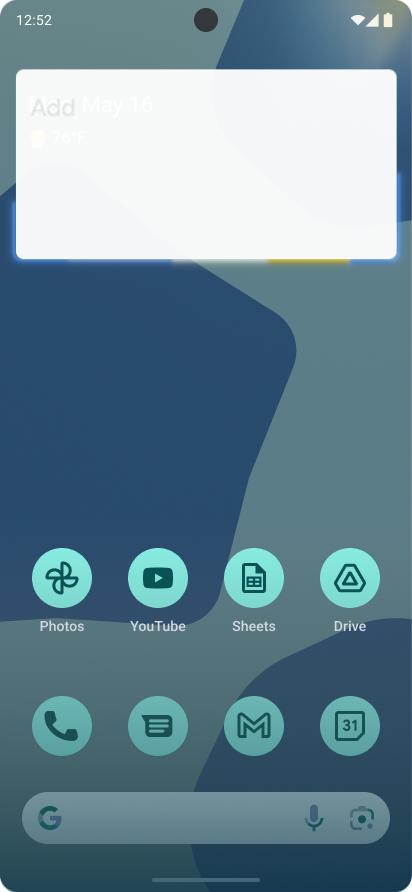
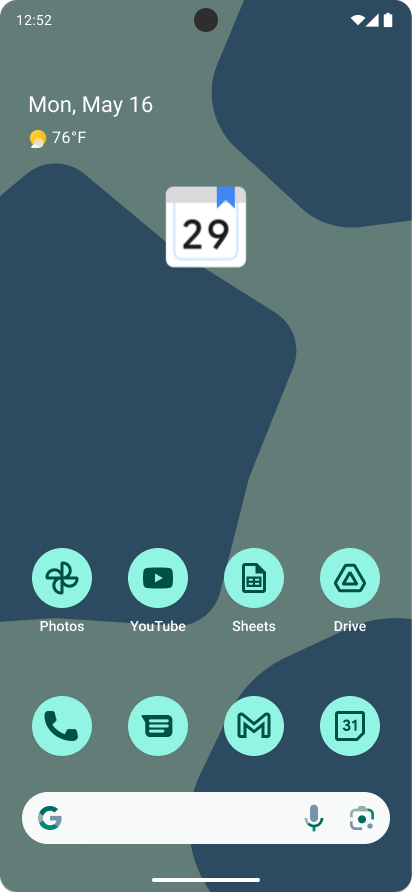
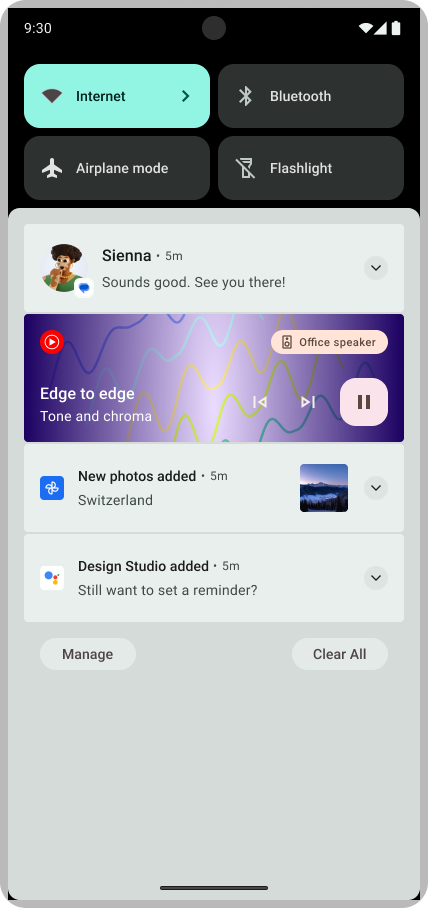
Use ambient motion to signal relevance before requesting a decision.
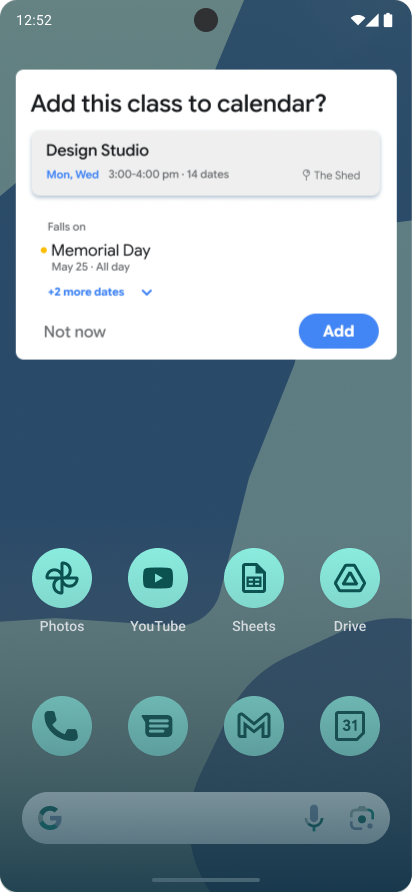
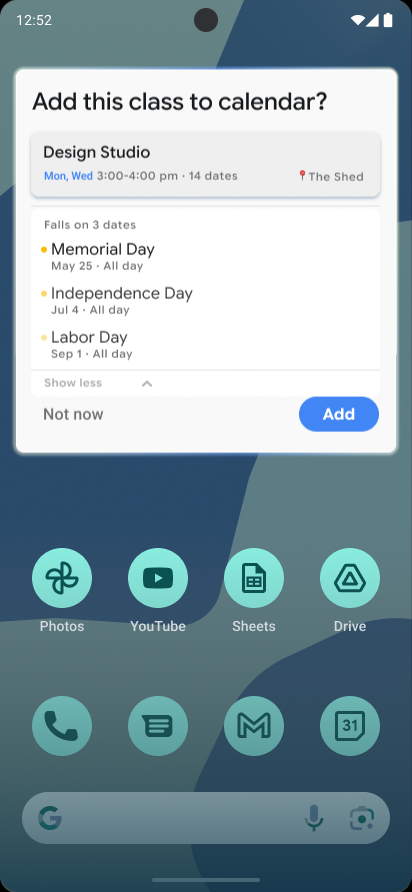
02 Context before commitment
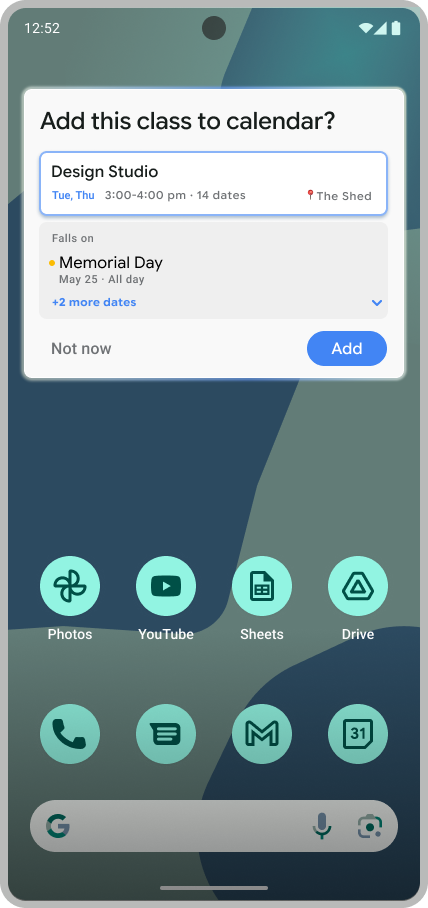
The holiday conflict appears before Add, not after, so users understand the context before changing their calendar.
03 Sidekick, not autopilot
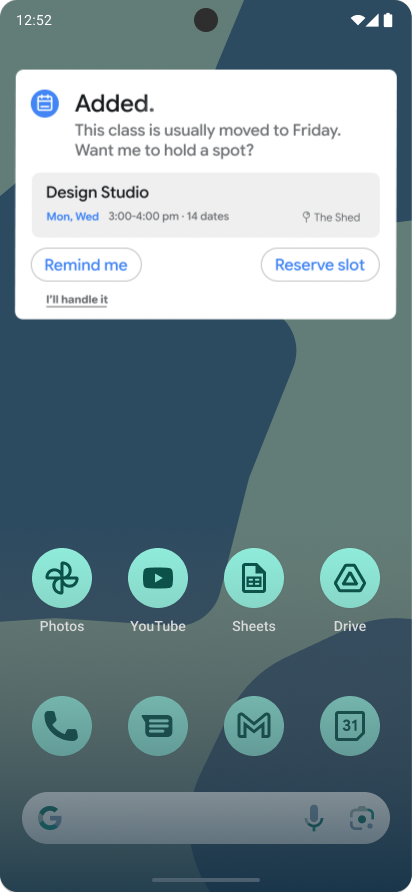
GA suggests a likely Friday make-up slot, but the user chooses whether to reserve it.
04 Store, don’t dismiss
The final card compresses into a calendar glyph, showing the setup was stored as a held calendar state.
Three metaphors. One behavioral logic.
I used three motion principles to clarify how GA communicates awareness, commitment, and resolution. Each metaphor defines not only how the interface moves, but what the system is allowed to imply.
Light Diffusion 🌟
Signals awareness before any action is requested. Present without interrupting.
Boundary: No alarm signals, no surveillance-like movement.
Soft Gravity 🪐
Guides committed content into place. Grounded by weight, not speed.
Boundary: No abrupt swaps that imply GA acted too quickly.
Archive Morph 🗂️
Compresses the card into a calendar glyph, storing intent without claiming permanence.
Boundary: Avoids fixed app destinations and over-confirmation.
Breaking the flow into motion decisions
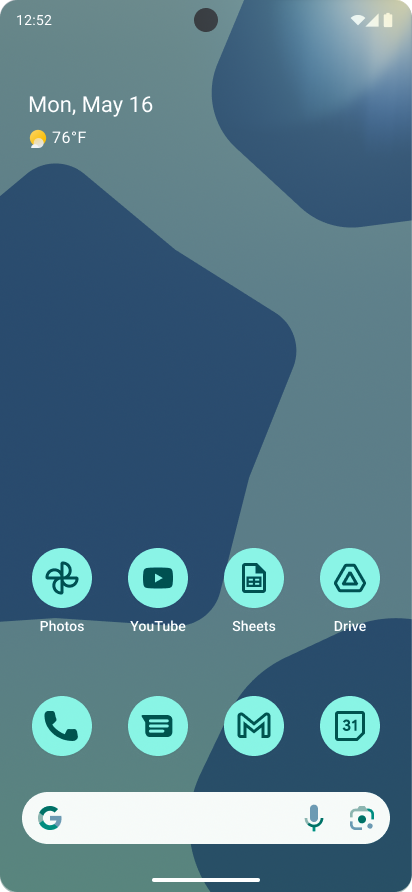
Each decision translates the motion framework into a specific interaction moment, with one moving sequence and two supporting stills to show the behavior clearly.
Light Diffusion
Context Before Commitment
Sidekick, Not Autopilot
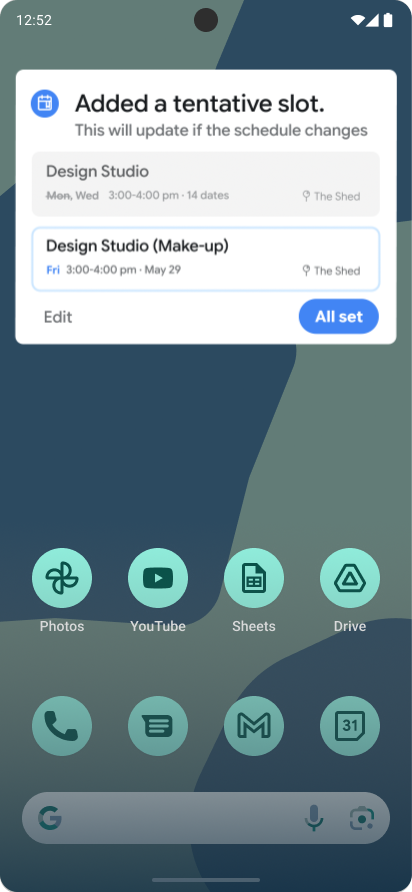
Archive Morph
Degrade Instead of Nudge
Refining Motion and State Clarity
Lightweight motion checks and targeted iterations helped refine how users interpreted GA’s proactive cues, decision context, and tentative state changes.
Iteration 01: Motion Semantics Check
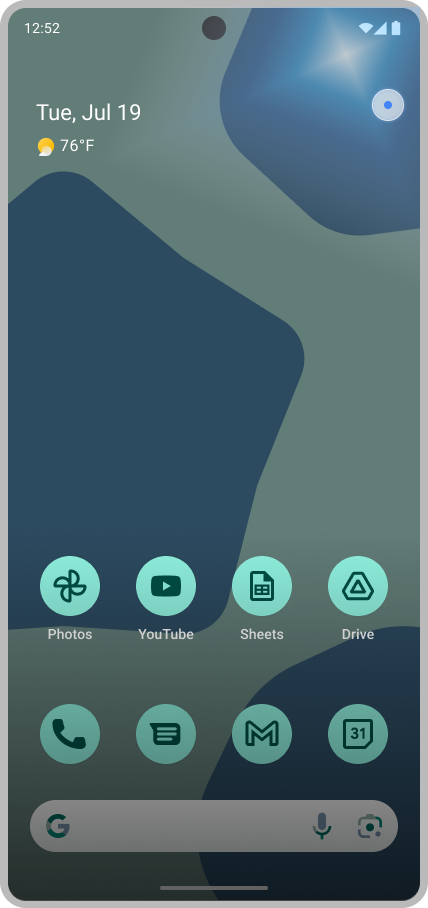
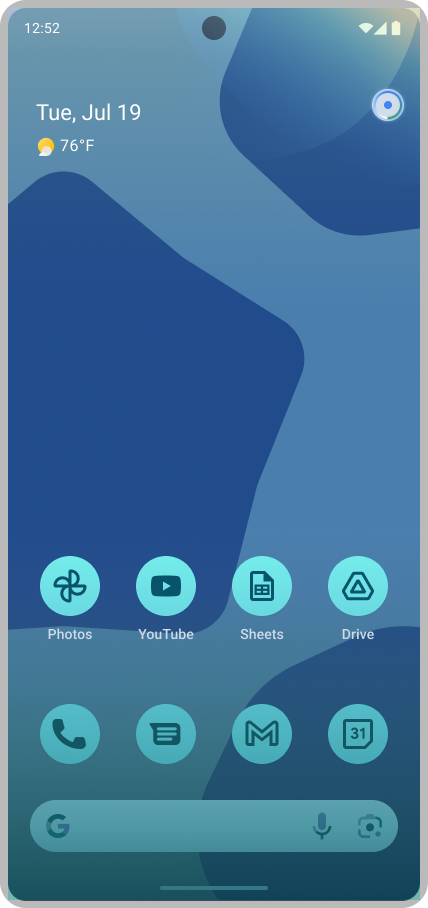
→ Standalone highlight
→ Explicit cue
→ Integrated ambient diffusion
The final cue read as schedulerelated without feeling like aninterruption.
Iteration 02: CONFLICT CONTEXT HIERARCHY
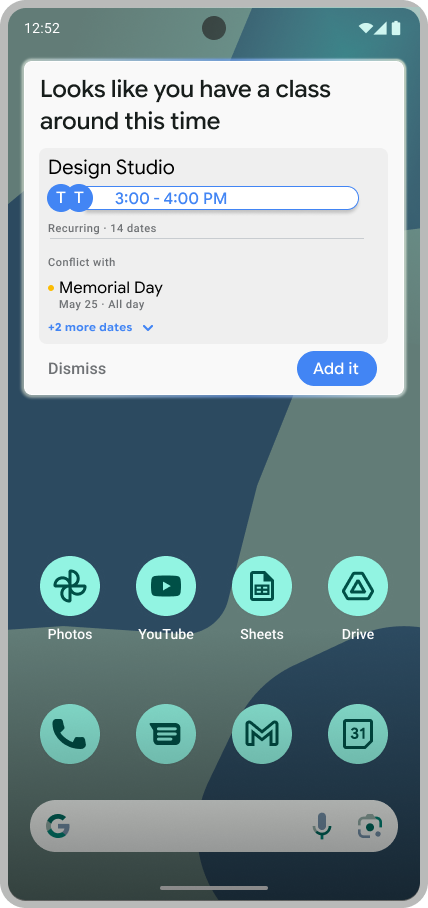
→ Embedded conflict
→ Separated info
→ Secondary conflict panel
Conflict became visible before commitment, without overtaking the main event.
Iteration 03: Tentative Slot Transition
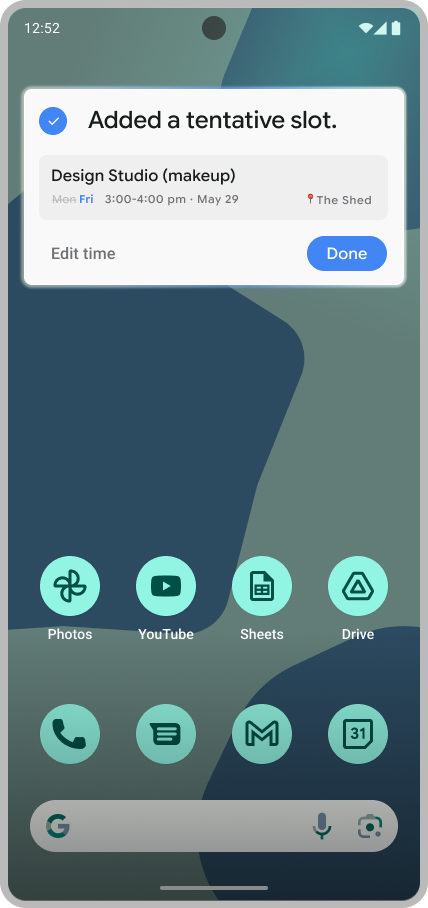
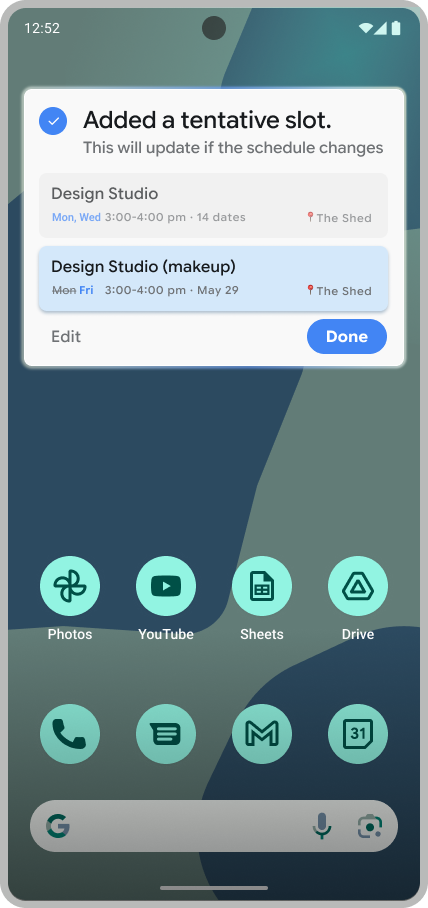
→ Standalone slot
→ Source relationship
→ Tentative held state
→ State refresh
→ List insertion
The original class explains thesource and the Friday slot remains tentative.
Across the iterations, I refined how GA attracts attention, explains context, and communicates state changes, making its proactive behavior feel readable without feeling presumptive.
This project helped me treat motion as a way to define AI behavior, not just screen transitions. Each motion decision clarified what GA noticed, what it was asking permission to do, and what had actually changed.
The key design challenge was balancing proactivity with restraint. The Assistant needed to surface useful help in context, but avoid implying that it had already acted for the user.
If I continued developing this project, I would expand the motion language into a more systematic framework to define how ambient light, soft gravity, and archive morphing scale across timing, easing, and state rules in other proactive Assistant scenarios.